


부키
2시간 전
제미나이 Veo 3.1, 여러 이미지 올려서 동영상 만들 수 있게 됐네
첨부 미디어
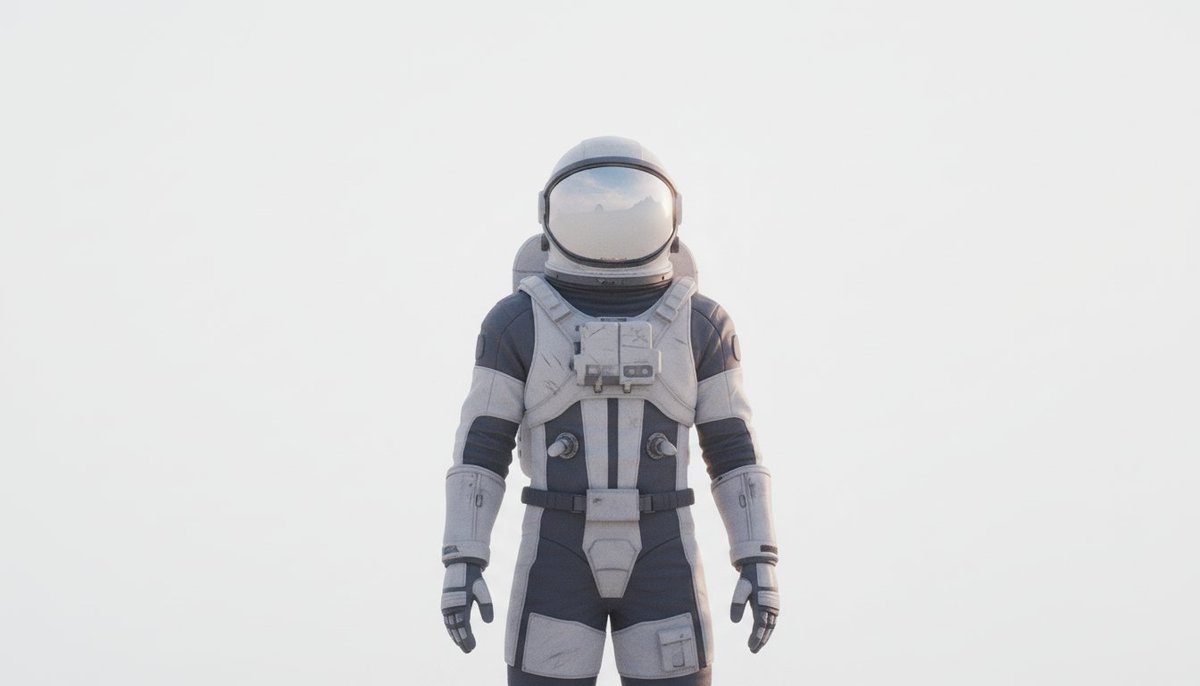
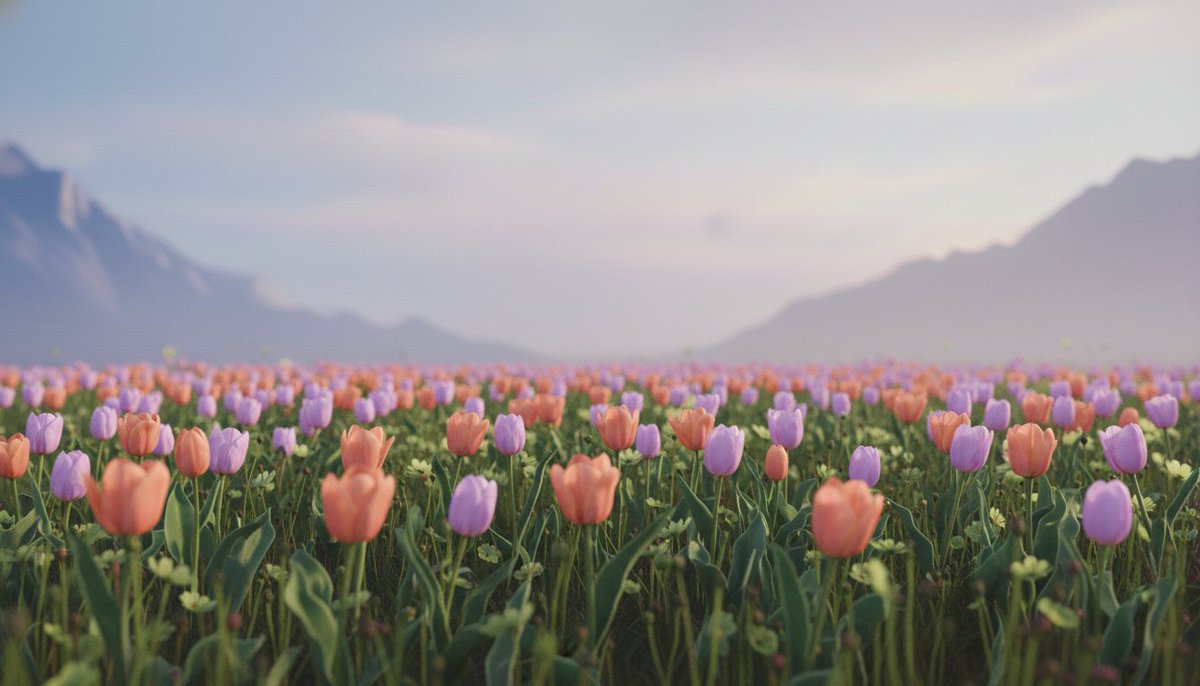
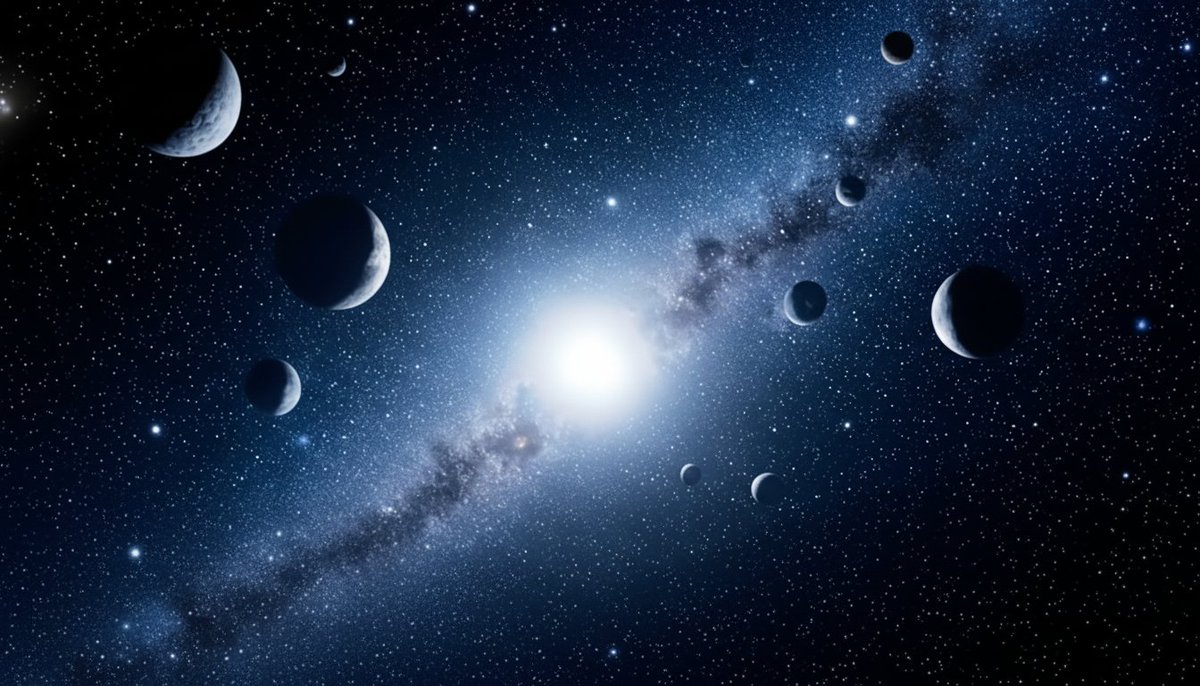
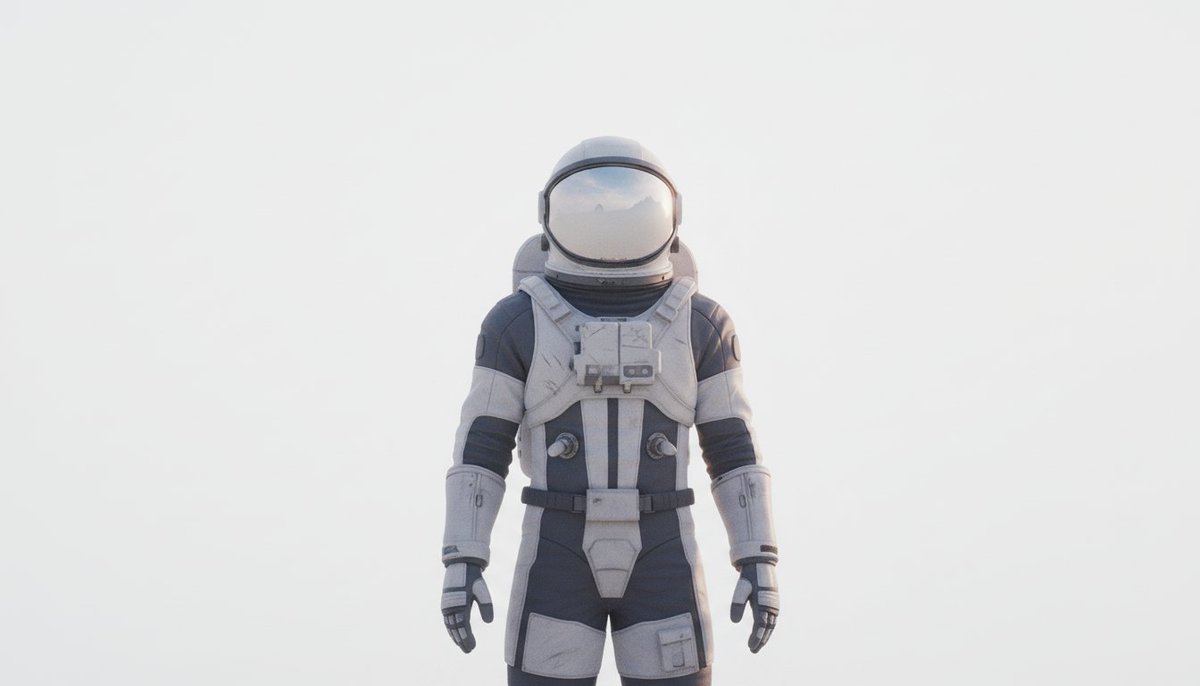
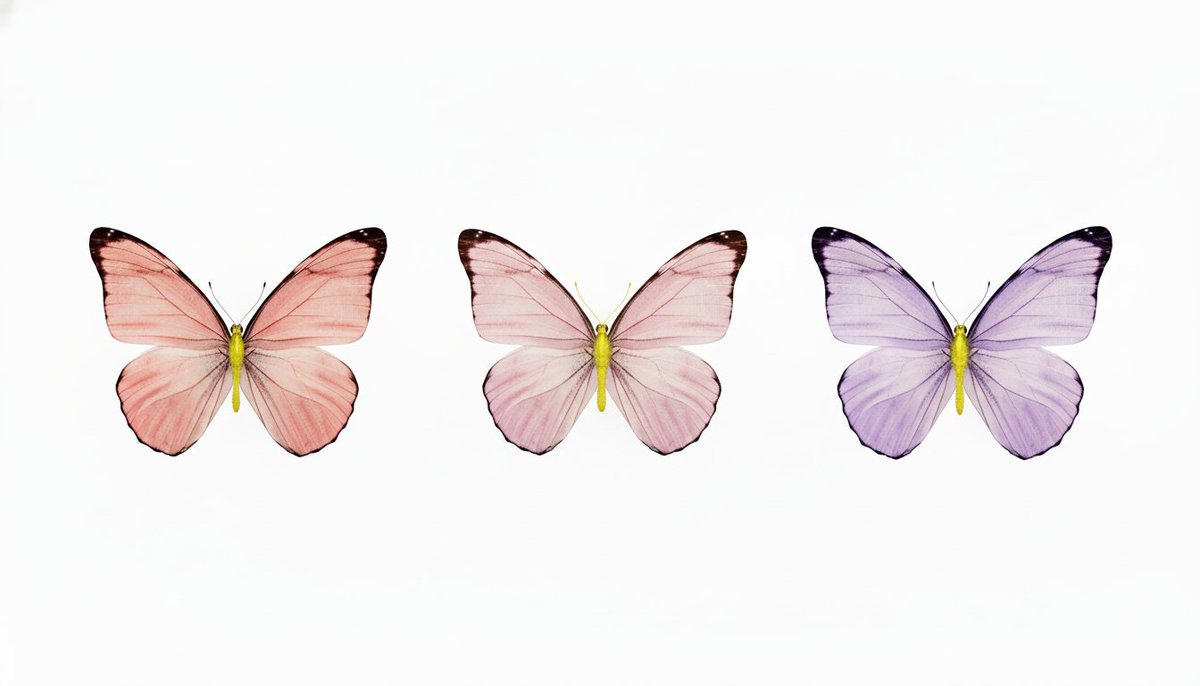
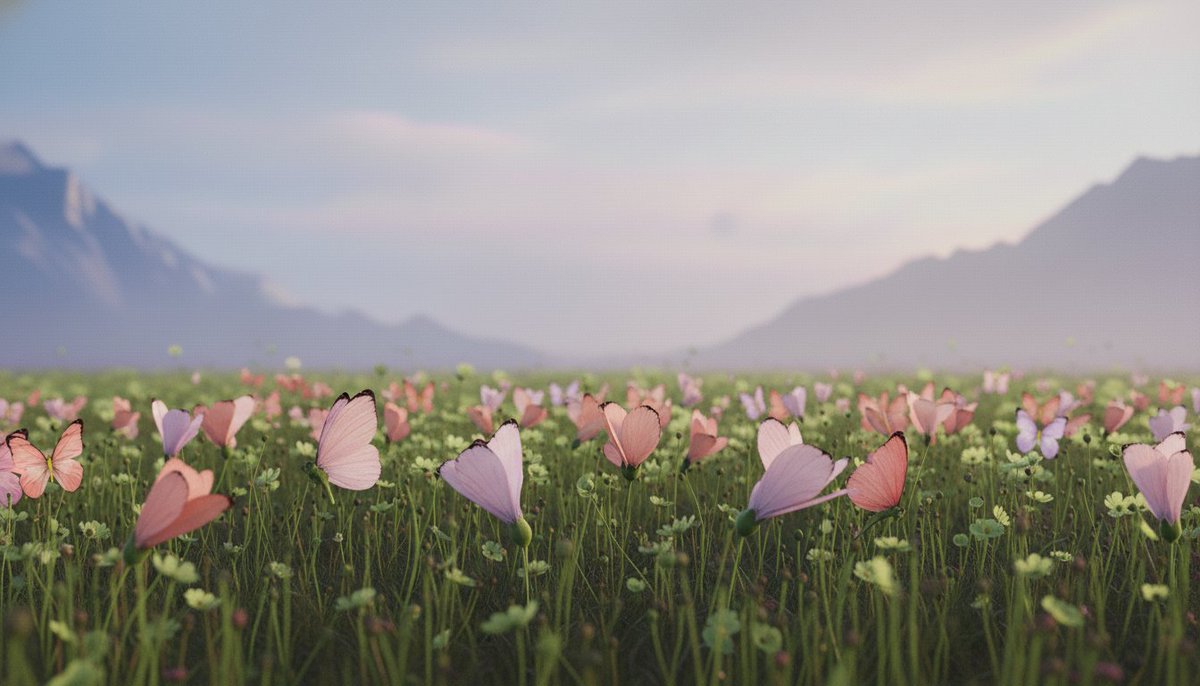

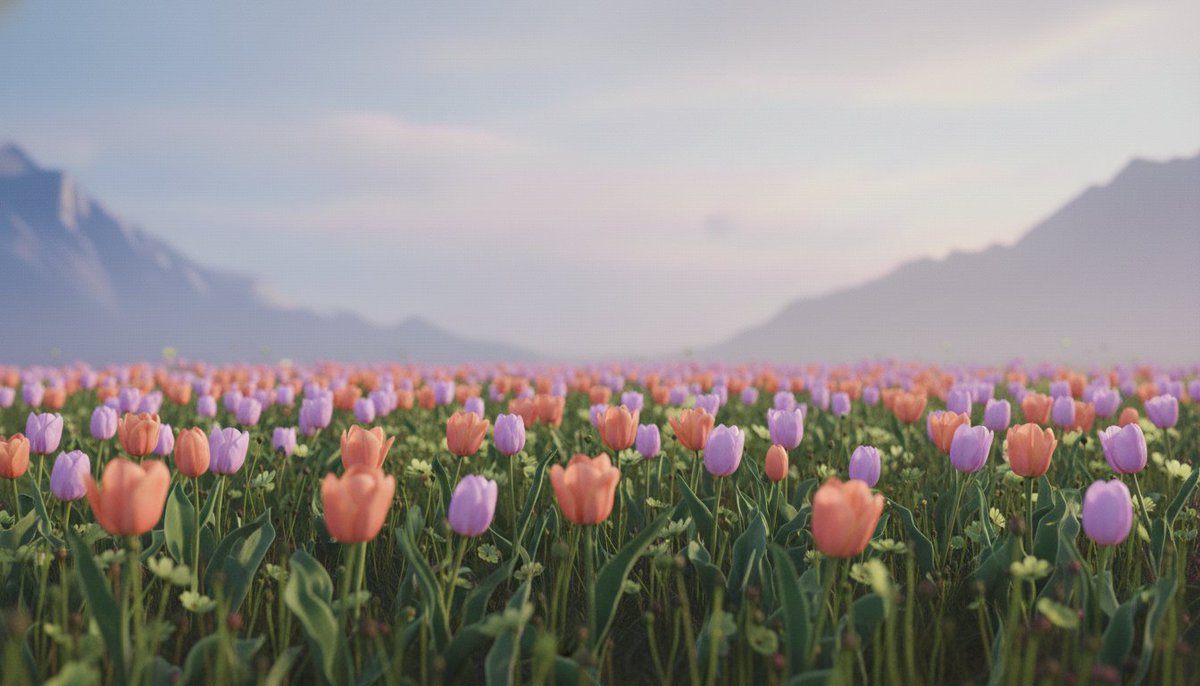
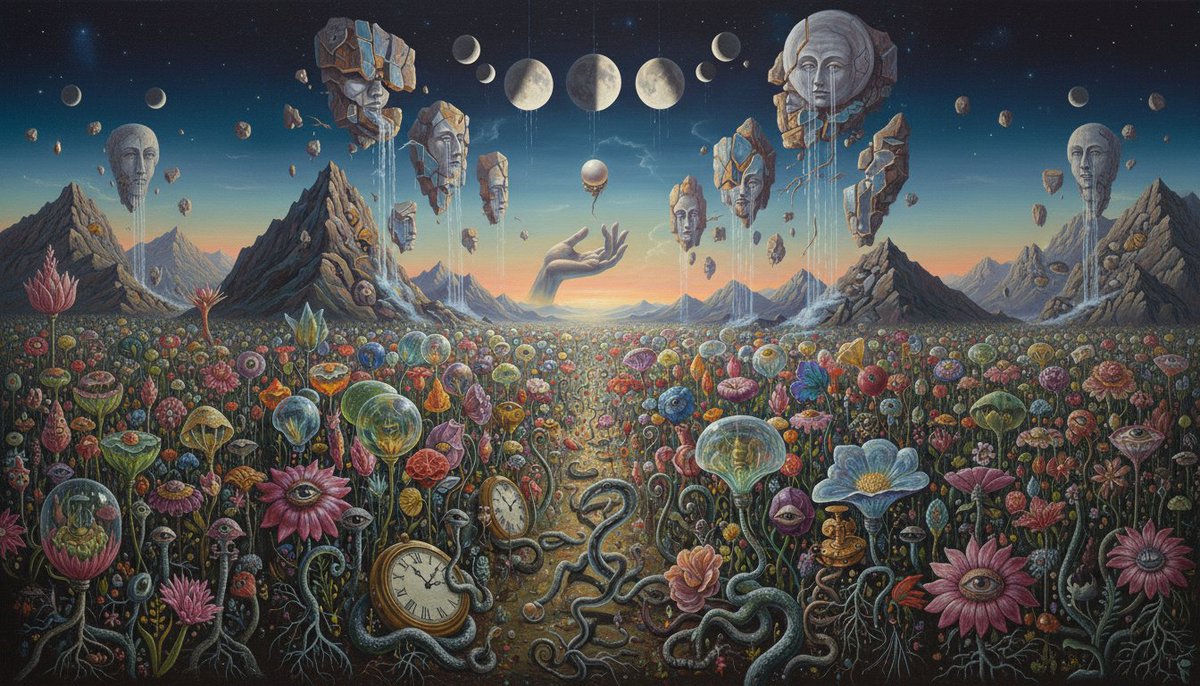

With Veo 3.1, you can upload multiple images with your video prompts, which is especially helpful for settings or scenes that are difficult to describe.
Let’s take one video and see how switching up the reference image transforms the output 🧵
Now, let’s say you want to show the astronaut in a world that transforms from day to night.
Let the images do the heavy lifting for your environment, so the majority of your prompt can focus on other elements, like camera movements. https://t.co/7vZctlSPOd
What if you want to add extra details to your setting or subject? You can use Nano Banana to adjust your reference images before bringing them to life in Veo 3.1
Here, Nano Banana was used to transform the original flower field from above, replacing the petals with butterflies https://t.co/TrYlsze0Mm
Want to add even more imagination to your video? Try uploading highly stylized images such as artwork, or even images you made in Nano Banana.
You can change the entire style of the scene or focus on transforming one specific area. Just use your prompt to direct Gemini on which https://t.co/YGOdllgwHx
Now that you know how to use your ingredients, it’s time to start cooking. Try Veo 3.1 and bring your ideas to life: https://t.co/x0H7mWqCjO
로그인하면 맞춤 뉴스 물어다 줄게🦉
-
관심사 기반 맞춤 뉴스 추천
-
왕초보를 위한 AI 입문 가이드북 제공
-
부키가 물어다 주는 뉴스레터 구독
-
회원 전용 인사이트 칼럼 열람
-
둥지 커뮤니티 게시판 이용
지금 핫한 소식🚀
- 1. LLM과 LCM, AI 모델의 다른 역할 이해해보면 진짜 신기하네
- 2. 제미나이, 니 취향 완벽 파악해서 책부터 쇼핑까지 추천해준대
- 3. 앤트로픽, AI로 과학 연구 판도 바꾼다고? 실험실 3곳 연구 가속화 중
- 4. 앤트로픽, 소아병원 200곳 데이터 공유로 아이들 암 치료 기간 '몇 년→몇 주'로 단축하겠대
- 5. 플럭스, 고양이 배가 유리에 납작 붙은 귀여운 AI 이미지 화제네ㅋㅋ
- 6. 제미나이, 챗GPT 둘에게 로고 만들어 달라 했더니...결과물 차이 실화냐
- 7. 제미나이, 개인맞춤형 AI 기능 출시했대 근데 구글 앱 정보 다 이용한대;;
- 8. 구글, 제미나이3 프로+2TB 저장공간 50% 할인 마지막 기회란다
- 9. OpenAI, 새 GPT 스토어 10억개 앱 개발 가능한 환경 만들었네
- 10. 메타인사이드, 여러 AI 모델 활용한 제로코드 앱 아키텍처 개발 중이래
부키가 물어다 주는 뉴스레터🦉
미리보기구독하면 이메일로 AI 소식과 팁들을 보내줄게!



아직 댓글이 없어. 1번째로 댓글 작성해 볼래?